
How to Redeem Your Nintendo eShop Gift Card on Switch
Redeeming is straightforward. On your Nintendo Switch, open the Nintendo eShop and scroll down to Enter Code in the left-hand menu. Type in the 16-character code exactly as shown, confirm, and the balance is added to your Nintendo Account immediately.
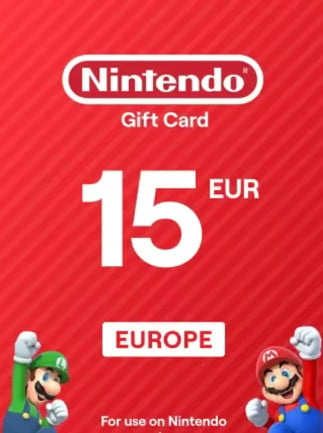
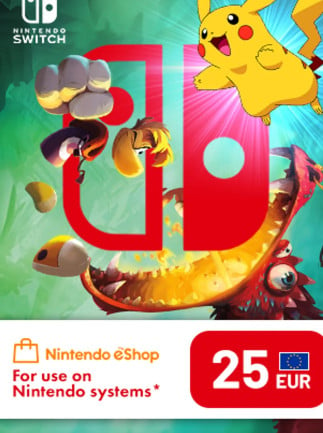
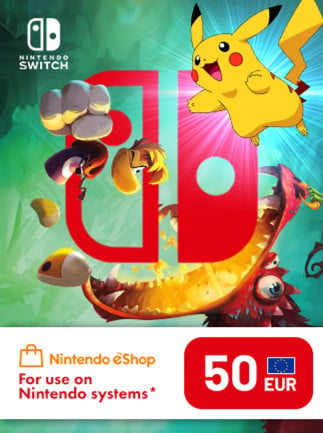
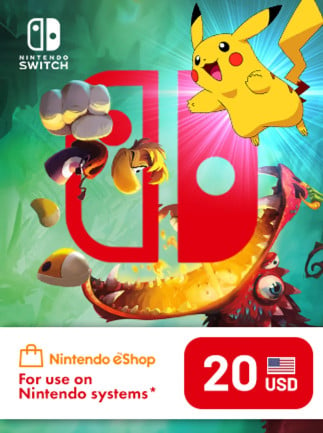
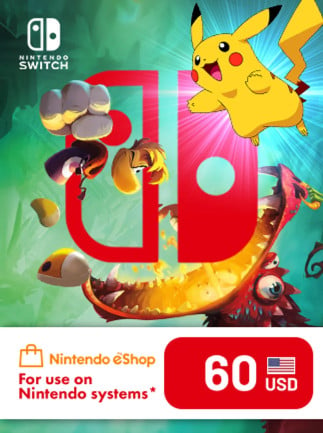
One thing to check before you buy: region matters. A US Nintendo eShop card can only be redeemed on a US Nintendo Account. A European card requires a European account. The regions are not interchangeable, so always match the card region to your account region before completing your purchase. Each listing on the grid shows the card's region clearly.
Once the balance is in your account, you can spend it on full games, DLC, or a Nintendo Switch Online subscription. Anything available through the eShop is fair game.